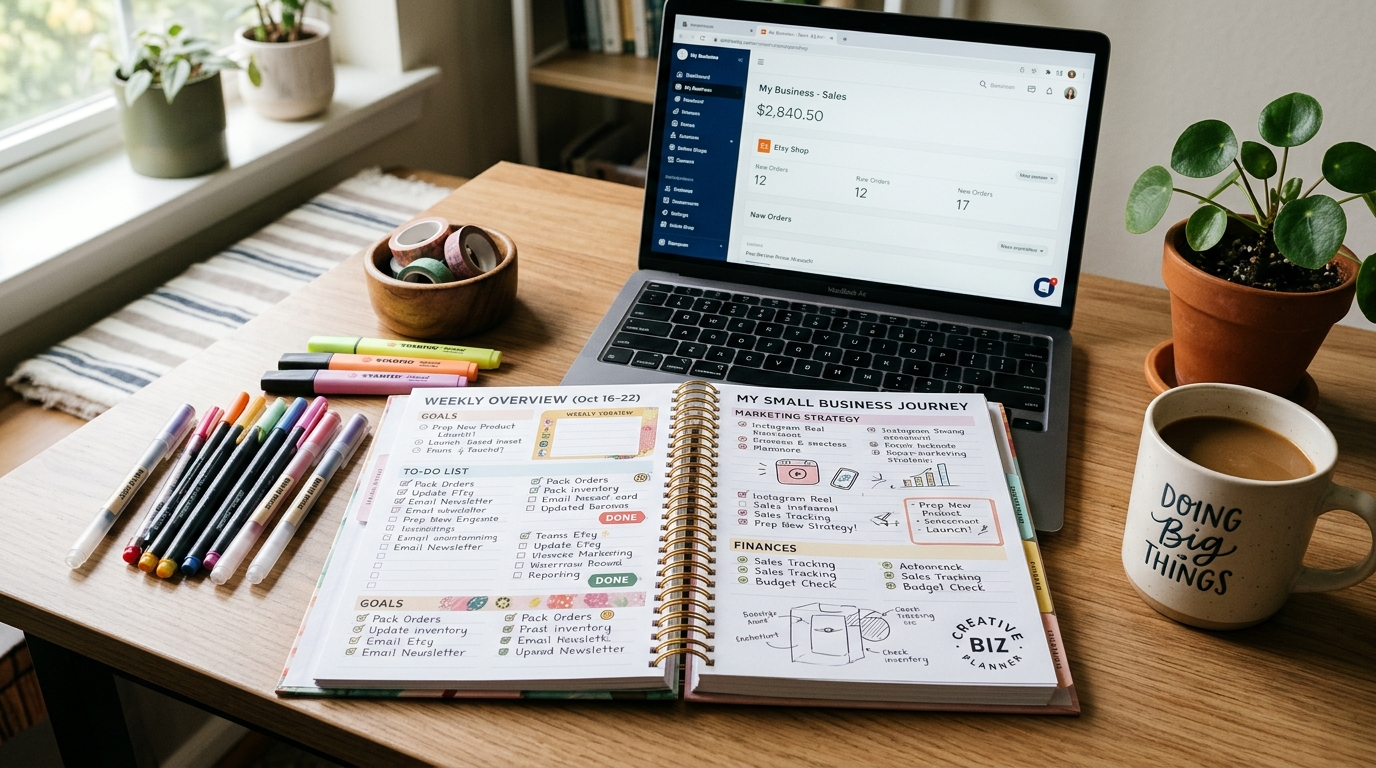
A printable can become a small online revenue stream without packing boxes or managing inventory. It is a digital file customers can print at home or use on a device. Creating a file once can allow repeated sales, but the work of design, listing, and promotion still takes time.
A niche is a focused audience and the specific problem a product is designed to solve. For example, a printable might help new parents track feeding schedules or help students organize assignments. A clear audience gives your business a practical starting point for creating products and speaking to customers.
This guide gives you a realistic path from choosing an idea to making a listing and reaching potential buyers. The first $100 is a gross-revenue milestone, not a promise of profit. Fees, refunds, and taxes can reduce what you keep, and early sales may take patient testing.
Each sale can teach you something about the audience, the offer, or the buying experience. Treat the first $100 as evidence to learn from, not proof that sales will arrive automatically.
Key Takeaways
- Start with one audience and a clear problem.
- Make a useful first product rather than a large catalog.
- Explain file delivery and use before checkout.
- Promote consistently and learn from customer questions.
- Track gross revenue separately from money you keep.
What Printable Idea Should You Validate First?
A useful first idea solves a recognizable problem for a buyer you can describe in one sentence. Look for visible demand before spending hours designing, then check whether current products leave a specific need unmet. A defined buyer and use case are stronger starting points than a broad topic alone.
Research can show what customers already search for, buy, and ask about. Marketplace listings and search suggestions reveal buyer language, while online groups can uncover recurring frustrations. Keep notes on exact phrases people use; those words can later make your product descriptions more direct.
Find evidence of a real customer need
Use four quick checks before you build:
- Inspect marketplace listings, including Etsy and Redbubble digital-product categories, for similar printables and bestseller patterns.
- Note repeated customer questions in reviews, Reddit discussions, and Facebook groups.
- Compare search suggestions from Google autocomplete and marketplace search bars.
- Look for gaps in how current offers serve buyers, such as missing instructions or an unaddressed situation.
Search trends can help you compare interest over time, but a popular term does not prove that your exact product will sell. Check whether buyers describe a problem you can solve and whether existing products appear to meet it well.
Choose one audience and one problem
A planner is a broad category; a budget planner for couples paying off debt is a more focused product idea. The second version names both the audience and the task. That clarity makes product descriptions, design choices, and marketing easier because you know whom the product should help.
Other printable ideas include meal planners, fitness trackers, student dashboards, business planners, social media templates, and content calendars. Educational products can include worksheets, flashcards, classroom posters, coloring pages, handwriting practice, lesson activities, and seasonal learning packs. Digital art options include nursery prints, gallery wall sets, seasonal artwork, minimalist posters, quote prints, and personalized portraits.
Do not treat those examples as proof of demand for every design. Your customers may want a specific format, reading level, room style, or planning routine. Before designing, write down the buyer, the problem, and the moment they would use the printable.
How Do You Design a Product Buyers Can Use?
A strong first design makes one task easier without requiring the buyer to figure out how to use it. Build a small, complete solution instead of padding a document with extra pages. Useful structure matters more than page count.
Canva, Google Docs, and GIMP are possible starting tools for a first digital product. Adobe Express is another beginner-friendly option, while Inkscape is a free alternative and Adobe Illustrator offers more advanced control. Choose tools that match the product and your current experience, not the longest feature list.
You can sell printable PDFs for free with free tools such as Canva or Google Docs, but selling may still involve platform or payment fees. A free design tool reduces one cost; it does not remove the effort of testing, listing, and promoting a product.
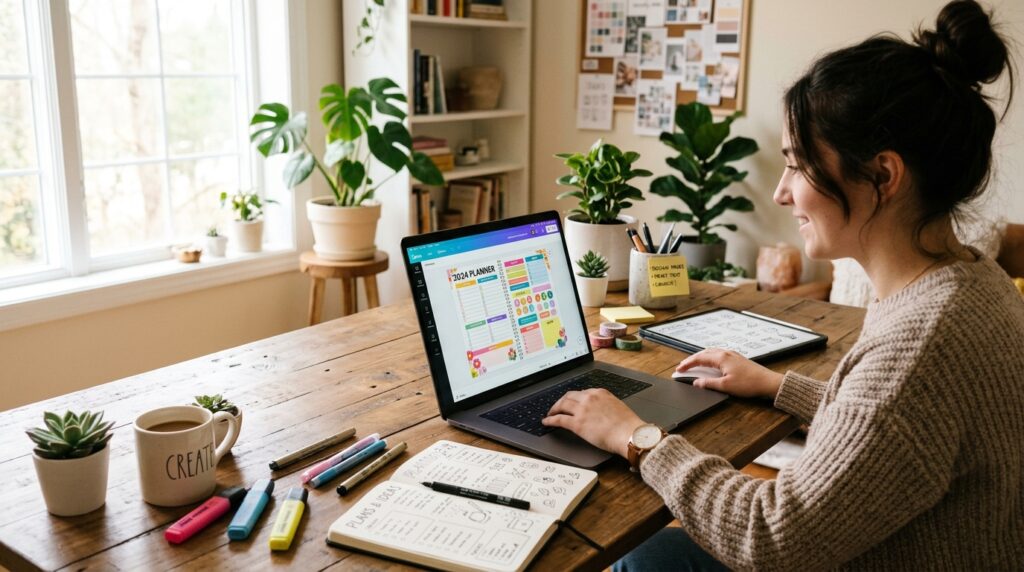
Build a focused first version
For a budget planner, include the pages needed to record income, list expenses, and track progress toward a goal. Add a short instruction page if buyers might not know how to begin. Leave out unrelated worksheets that make the main task harder to find.
Use readable type, clear labels, and enough room to write. A page that looks polished on a laptop can feel cramped when printed, so check the design at its intended size. Ask someone unfamiliar with the product to try it without coaching.
Use Canva elements within their license terms
A printable PDF and an editable Canva template are different products. Canva template links require the seller to have a paid Canva plan, while buyers can open a template link with a free Canva account. A design containing Canva Pro content may be sold only as a Canva template link, not as a flat PDF, PNG, or JPG.
Designs made entirely from Canva free-library content and your own uploaded elements may be sold as a share link or exported as a PDF or PNG. Canva illustrations and stock photos cannot be sold as raw assets on their own. Canva’s template and content rules also distinguish an Edit link from a Template link.
Use a Canva Template link rather than an Edit link so buyers receive a copy instead of access to your original. Check the license for every graphic, font, and image before including it in a product for sale.
Which File Format and Settings Should You Deliver?
Use a PDF for a multi-page planner and a JPG for a single piece of printable wall art. Choose the format for the job, then set resolution during export. PDF keeps pages together and preserves text clarity; JPG suits wall art and photography.
PDF, JPG, and PNG can all support 300 DPI. DPI is set at export, not determined by file format, so a file extension alone does not guarantee sharp printing. A 300 DPI PNG is typically four to six times larger than an equivalent JPG.
| Format | Best fit | Useful file or print detail |
|---|---|---|
| Planners and multi-page documents | Keeps pages together and preserves text clarity | |
| JPG | Wall art and photography | 300 DPI at 90-95% quality is visually lossless for print purposes |
| PNG | Designs needing that format | Typically 4-6 times larger than an equivalent JPG at 300 DPI |
Canva’s default export is PNG, but JPG at 300 DPI can reduce file-size problems for wall art. A 90-95% quality setting is visually lossless for print purposes. Keep text-heavy pages in PDF when buyers need a multi-page document.
Offer both US Letter, which measures 8.5 x 11 inches, and A4, which measures 210 x 297 mm, where appropriate. Artwork that reaches the page edge can use a 0.125-inch bleed. Etsy digital-download listings allow up to five files, with a 20 MB limit per file in 2026.
A smaller download is easier for buyers to retrieve, but compression should not blur fine lines or text. Export a test file and check its page size and legibility before uploading it.
How Should You Price a Printable and Build Toward $100?
A price should reflect the usefulness of the solution as well as the format and amount of content. Compare similar products aimed at the same buyer, then price for the problem solved rather than page count. A focused tool can be worth more than a longer document buyers will not use.
General guidance for an individual printable is about $2-$15, while related bundles are often about $10-$30. Comprehensive guides may be about $20-$50 or more. Simple planners can be priced at $5-$20, and larger planner bundles at $25-$75, depending on depth, niche, and perceived value.
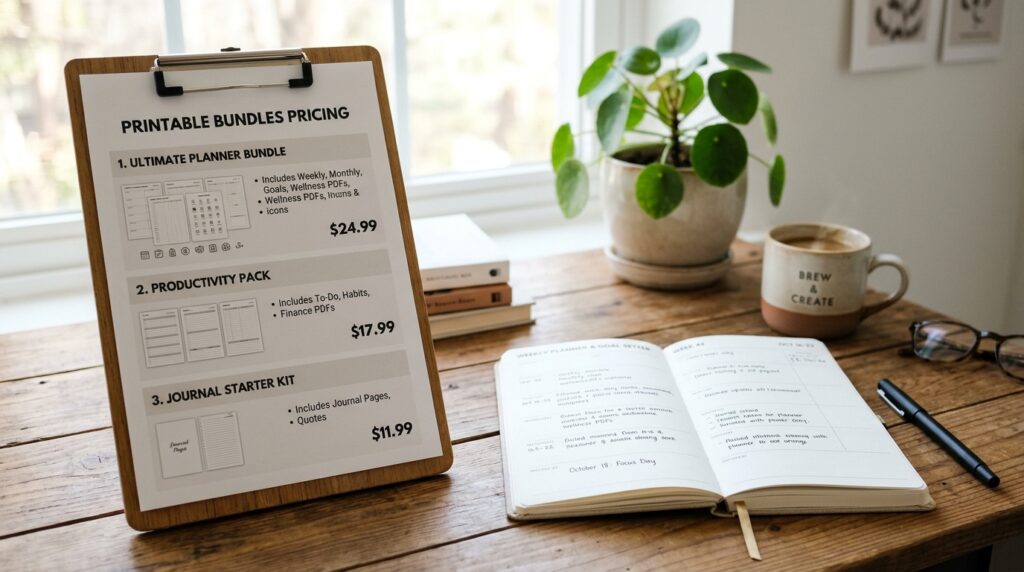
| Offer type | General price guidance | Buyer value |
|---|---|---|
| Individual printable | About $2-$15 | One focused task |
| Related bundle | About $10-$30 | Several complementary items |
| Larger planner bundle | $25-$75 | A more complete system |
Set a price for one clear solution
Start by comparing products with similar uses, quality, and audience. A one-page checklist and a detailed workbook should not be priced alike simply because both are PDFs. Make the buyer’s outcome clear in the listing so the price has context.
Bundle related items to raise order value
Bundles can raise average order value when the added items belong together. Pair a weekly meal planner with a grocery list and a pantry inventory, for example. Buyers get a connected set, and you can offer a larger solution without filling it with unrelated pages.
Twenty sales at $5 or 10 sales at $10 equals $100 in gross revenue before fees and taxes. These are arithmetic examples, not a sales forecast. The number of purchases needed changes with the price and the average order value; neither figure tells you how many visitors will buy.
You can offer a single item and a bundle as separate choices, then watch which earns more interest. Avoid discounts that make the offer hard to sustain or confuse buyers about what they receive. Calculate the gross sales target first, then account for fees and taxes before treating any amount as take-home income.
Where to Sell Printable PDFs: Etsy or Gumroad?
Etsy and Gumroad offer different routes to a buyer, so compare both discovery and transaction costs. Etsy provides marketplace discovery, while direct links require you to bring customers. Choose a sales channel based on how buyers will find you and what each transaction costs.
Sellers can use Etsy for marketplace discovery, Gumroad or an owned website for direct checkout, or combine channels. Gumroad’s rate depends on the route: profile or direct-link sales cost less than purchases made through Discover. Compare the route with your audience and expected order value.
| Route | Listed fee | Important condition |
|---|---|---|
| Etsy | $0.20 listing, 6.5% transaction, and 3% + $0.25 processing | Offsite Ads are 15% under $10K yearly sales, with opt-out, or 12% above $10K, with required participation |
| Gumroad profile or direct link | 10% + $0.50 per transaction | Applies to sales through a creator profile or direct link |
| Gumroad Discover | 30% per transaction | Applies when a new customer finds and buys through Discover |
Use Etsy for marketplace discovery
For U.S. Etsy sellers in 2026, the transaction fee is 6.5% of the total sale price, including shipping and gift wrapping. Etsy Payments processing costs 3% plus $0.25 per transaction, and each listing costs $0.20 when created or renewed.
An Etsy listing lasts four months if it has not sold, then costs $0.20 to renew. Offsite Ads fees are 15% for sellers under $10,000 in yearly sales, with the option to opt out. Sellers above that level pay 12% and must participate. These charges can change what remains from a low-priced item.
Use Gumroad for direct sales or Discover
Gumroad charges 10% plus $0.50 per transaction through a creator profile or direct link. Discover charges 30% when a new customer finds and buys a product through its marketplace. Gumroad’s Discover transaction rate is higher, but the customer can find the product there.
Gumroad says it has handled worldwide sales-tax collection and remittance as Merchant of Record since January 1, 2025. That role does not remove the need to understand your own income reporting. Choose the route whose discovery and fees fit the way you can reach customers.
What Should a Listing and Checkout Tell the Buyer?
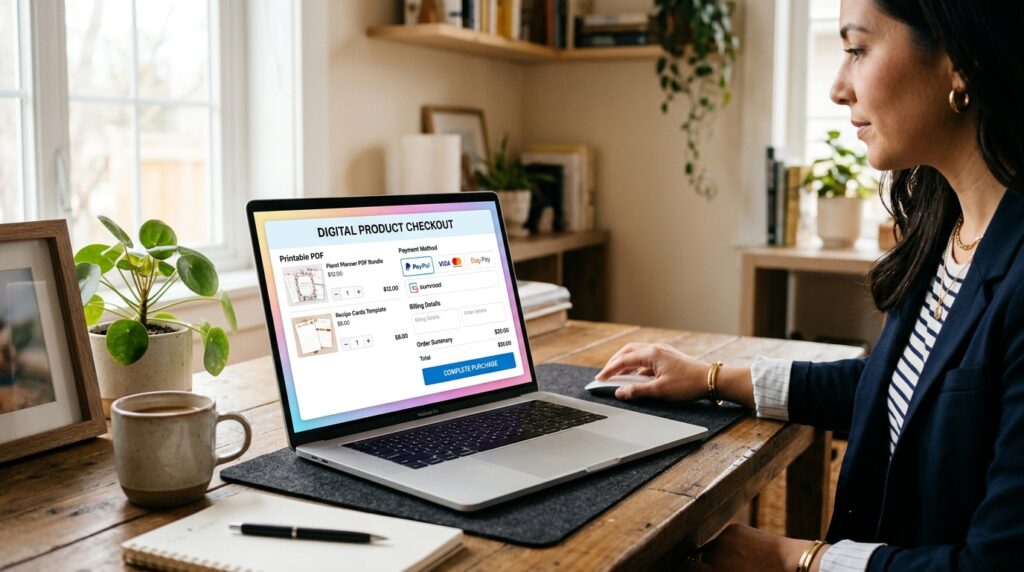
Buyers should know exactly what arrives and how to use it before they reach checkout. State plainly that the purchase is a digital file, not a physical product. Clear delivery details prevent avoidable confusion after a customer pays.
Digital delivery can happen through an on-page download or an emailed link. Tell buyers where to find the files and what to do if the email does not appear. A product image and description should show the printable in use, not only as a flat file thumbnail.
Use this four-point listing checklist:
- Identify each file and its format.
- Explain when and where the download arrives.
- Give practical printing or use instructions.
- State that no physical product will be shipped.
Show a planner on a desk or a wall print in a room so customers can judge its scale and purpose. Mention whether buyers need a printer, a particular app, or an editable template link. Avoid implying that a PDF can be edited when it is designed only for printing.
If you sell through Etsy and a Shopify website, Shopify Marketplace Connect can manage listings in both places from one central location. Whatever setup you use, complete a test purchase or download flow when possible. Read the listing as a first-time buyer and make sure the delivery steps are unmistakable.
How Can You Attract the First Customers?
A clear picture of the printable solving a real task gives a potential buyer more context than a file thumbnail alone. Show the product in the setting where someone would use it. Useful examples help the right audience recognize what the file can do.
Match your marketing to the format. Pinterest works as a visual search engine where people look for ideas and solutions. Instagram and TikTok can show product use or the design process, while a marketplace listing can reach people already browsing for similar items.
Show the printable in use
For a planner, style a photo of the printed pages on a desk beside a pen and laptop. For wall art, show the print in a room so buyers can judge its scale. A worksheet video can show a hand completing one activity, which gives parents or teachers a clearer sense of use.
Use Pinterest for searchable visual examples and Instagram or TikTok for short process clips. A brief video might show the blank design, a printed copy, and one completed page. Keep the claims specific; a meal planner can organize a week, but it cannot guarantee a particular health result.
Build a channel you can contact directly
Offer a related free sample or checklist to invite email signups. A sample grocery list can introduce a meal-planning bundle, while a single worksheet can help teachers assess a larger pack. Ask for an email address clearly and explain what updates subscribers will receive.
Send useful content before sending frequent product offers. Share a practical planning tip, a sample page, or a new way to use the product, then include relevant product updates. An email list gives you a direct way to reach interested people without relying entirely on social media algorithms.
Use natural search terms in your website or marketplace title, description, and image text. Publish consistent, useful posts rather than relying on one launch announcement. Give each post one useful point and one clear path to the matching product page.
What Is a Practical Plan to Earn the First $100?
A first-$100 goal becomes easier to act on when it is translated into a gross-sales target and a short checklist. Twenty purchases at $5 each or 10 purchases at $10 each equal $100 before platform fees and taxes. That arithmetic sets a target, not a promise of sales.
Fees, refunds, and taxes can reduce the amount you keep. The average order value can also change when buyers choose bundles instead of single items. Treat gross revenue and take-home income as separate numbers in your records.
Set a measurable sales target
Choose a gross-sales target and connect it to a product price you can defend. A first collection can start with three to five related products, such as a weekly planner, an expenses sheet, and a matching savings tracker. Keep the items close enough to serve the same audience.
Write down the date you publish, the products included, and the price of each offer. Track visits and purchases separately; visits show interest, while completed orders show that a buyer followed through. Neither measure on its own explains why someone chose to buy or leave.
Review and improve the first launch
Use this four-step launch list:
- Publish a small collection of three to five related products.
- Check that purchase and download steps work.
- Promote the products consistently in relevant channels.
- Review visits, purchases, and customer questions before making changes.
Review actual buyer questions and performance before adding more products. If customers ask about page size, improve the listing instructions. If they visit but do not buy, check whether the images and description make the use case clear before changing the price.
Do not respond to a slow week by adding unrelated printables. A scattered catalog can make your offer harder to understand and create more work to maintain. Change one part of the offer at a time so you can tell which adjustment helps.
What Taxes and Business Rules Should U.S. Sellers Check?
A small shop still needs clear records because federal income reporting does not depend only on whether the seller calls the activity a hobby. Payments for goods and services received through payment apps are taxable income that must be reported on federal tax returns, whether the activity is a hobby or a business. Keep records from the first sale.
The IRS says no single factor determines whether an activity is a hobby or a business. Factors include profit intent, recordkeeping, and whether you adjust operations to improve profitability. People paid through payment apps for goods and services may receive Form 1099-K; digital-asset payments may produce Form 1099-DA.
Report income and keep records
Record sales, expenses, refunds, and the business purpose of each cost. Save receipts for design tools, advertising, or other eligible expenses, and keep payment statements with your own order records. A payment form is not a complete profit report because it may not show every expense or refund.
In June 2026, the IRS described profit intent, recordkeeping, and changes made to improve profitability as factors in the hobby-versus-business question. That classification is separate from reporting payments for goods and services. Do not assume that calling an activity a hobby makes its payments tax-free.
A U.S. seller can generally begin as a sole proprietor without forming an LLC. State and local licensing or registration rules can still apply. An LLC is a business structure, not a substitute for income records or tax decisions.
Check state sales-tax treatment
Sales-tax treatment depends on the state and the nature of the digital product. States may treat a downloaded file differently from a product accessed online, and an item’s format or use can matter. Federal hobby and business factors are separate from these state-level sales-tax rules.
Georgia taxes specified digital products, other digital goods, and digital codes sold to an end user when the buyer receives a permanent-use right and the sale is not conditioned on continued payment. That rule took effect January 1, 2024. Maryland has taxed digital products and digital codes since March 14, 2021.
Iowa generally taxes specified digital products, including digital visual works such as images and clip art, e-books, and other digital written works. Kentucky generally taxes digital property, including finished artwork and digital photographs, unless specifically excluded or exempted. New Mexico generally subjects digital goods to gross receipts tax.
Those examples do not cover every state or every product type. A printable sold as a download may be treated differently from access to an online tool, even when both serve the same purpose. Check current federal, state, and local requirements for the seller’s location and the buyer’s transaction before deciding how to handle tax.
Conclusion
A first printable does not need to be perfect, but it does need to solve a clear problem for a real buyer. One useful product for a clearly defined audience is a better starting point than a large, unfocused catalog. You can improve a small offer after you see how customers use it.
Judge the first result by what it teaches you, not only by revenue. A customer question may reveal a missing instruction, while a completed order can show that the product description made sense. Careful marketing and a workable buying experience take steady effort, even when file delivery is automatic.
Write down the buyer and problem today, then create one small product you can test before building a larger shop.