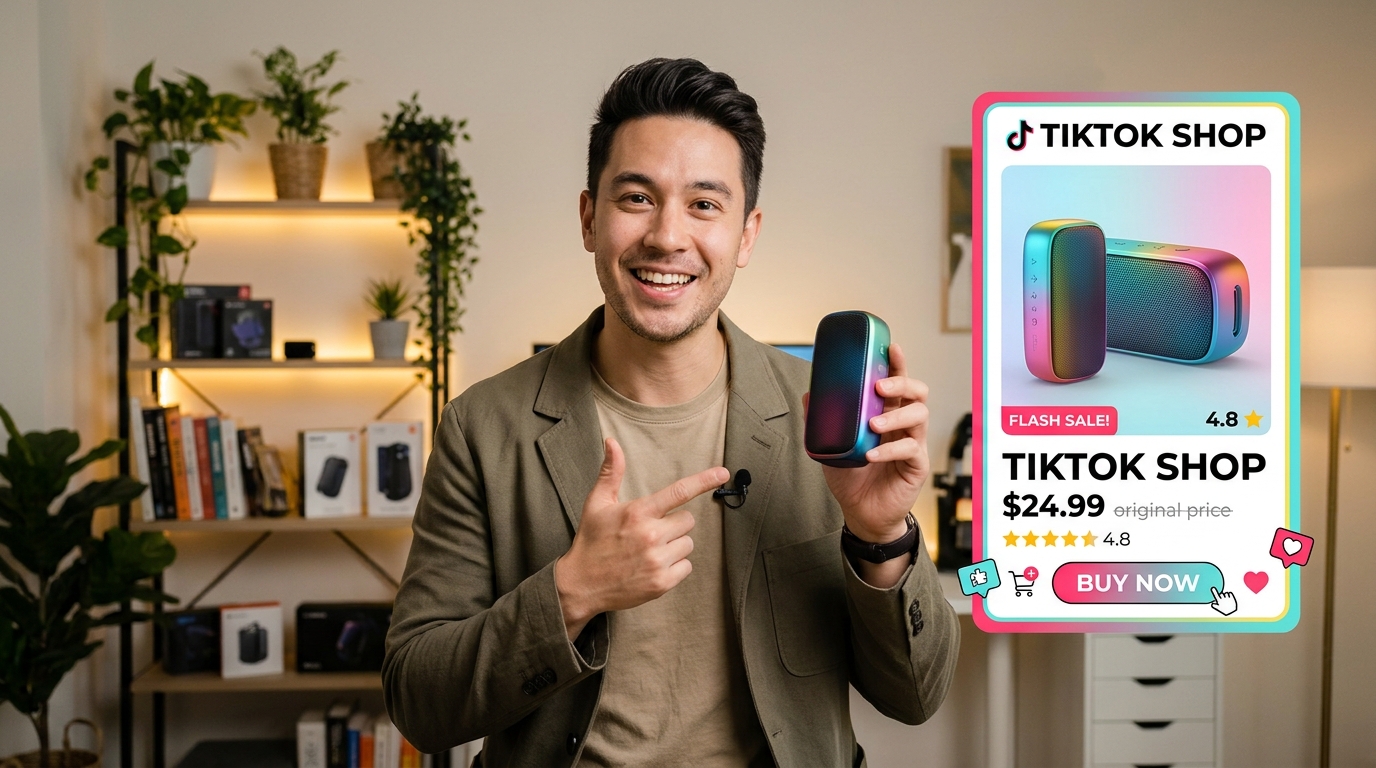
TikTok Shop LIVE is the most direct way to turn a product demonstration into an in-app purchase, because viewers can tap a product card without leaving the stream. Use it to show products, answer questions in real time, and make the route to checkout easy to spot.
A product pin is the on-screen product card a host features so viewers can open the item while watching. An ordinary TikTok LIVE can show and discuss an item, but a shoppable TikTok Shop LIVE lets viewers open a pinned product card and buy inside TikTok while continuing to watch.
This guide gives US sellers and creators a practical path from a clear demonstration to a shopping decision. Your audience should be able to see how a product works, get useful answers, and find the right item without searching through social media or a long catalog. Make the demonstration and the buying route work together.
Key Takeaways
- Show what the product does instead of relying on a long sales pitch.
- Keep the pinned product card easy for viewers to find.
- Answer buyer questions with accurate product and order details.
- Plan a focused lineup and a clear start time for each event.
- Review audience response and orders before planning the next stream.
Treat each LIVE as a hosted shopping event, not a product list read aloud.
What Are the TikTok LIVE Selling Requirements in the US?
A US TikTok Shop creator must be at least 18 and meet the eligibility rules for the specific creator role, while sellers have a separate application path. Role matters: follower thresholds and early access rules differ for Affiliate Creators, Official Shop Creators, Marketing Creators, and sellers.
In 2026, creators must live in the United States, follow TikTok Shop policies, and have no prior e-commerce permission revocation or association with an account whose permissions were revoked. Meeting the follower threshold alone does not remove those account-standing conditions.
Affiliate Creators need at least 1,000 followers to apply for TikTok Shop creator access. Those with fewer than 5,000 followers enter a pilot program for at least 30 days. During that period, they can publish up to three shoppable product videos daily and host up to three shoppable LIVEs weekly.
Affiliate Creators leave the pilot after at least 30 days and reaching 5,000 followers. Newly onboarded Official Shop Creators and Marketing Creators may enter an early-stage pilot lasting at least 30 days. That pilot limits them to up to three e-commerce videos per day.
Official Shop Creators and Marketing Creators need at least 1,000 followers, at least 30 days in the early-stage pilot, and successful compliance and security evaluations to graduate. These separate conditions mean a follower count is only one part of creator access.
A US TikTok Shop seller applicant must be at least 18, live in the United States, provide valid US identity documentation, and have an active US bank account. Sellers have no minimum follower count in 2026. Check the eligibility shown for your account type before building a LIVE schedule around a feature you may not yet have.
Can You Sell on TikTok LIVE Without TikTok Shop?
Without TikTok Shop, a LIVE can showcase an item, but it cannot offer TikTok Shop’s pinned product card and in-app checkout. The key difference is where viewers complete the purchase: a shop-linked stream can connect a product demonstration to a checkout inside TikTok.
A regular LIVE does not provide TikTok Shop product-card checkout. You can show a product and explain it, but viewers cannot open the shop’s pinned product card and buy inside TikTok through that route. Sellers with their own inventory can connect a shop account; invited creators can promote products linked to a seller’s shop.
| Path | Purchase route | Inventory or fulfillment |
|---|---|---|
| Official Shop Creator | TikTok Shop product card and in-app checkout | Seller’s shop inventory and fulfillment |
| Affiliate Creator | Seller’s TikTok Shop product card and checkout | Seller’s inventory and fulfillment |
| LIVE without TikTok Shop | No TikTok Shop product-card checkout | Seller arranges inventory and fulfillment |
An Official Shop Creator uses the same account name as the shop and has no minimum follower requirement. If the account belongs to an organization, that organization must be the same legal entity as the seller. The account represents the shop, rather than an independent affiliate relationship.
A Marketing Creator must be invited by a TikTok Shop to bind the account to that seller’s shop. This lets the seller connect an invited account to its products. An Affiliate Creator instead promotes another seller’s product through the affiliate route.
The right route depends on whether you need TikTok Shop’s in-app shopping path. A no-shop LIVE can still present an item to viewers, but the seller must handle any purchase route outside that shop feature. Choose the no-shop route only when in-app product checkout is not essential to the sale.
How to Set Up TikTok Shop for Beginners
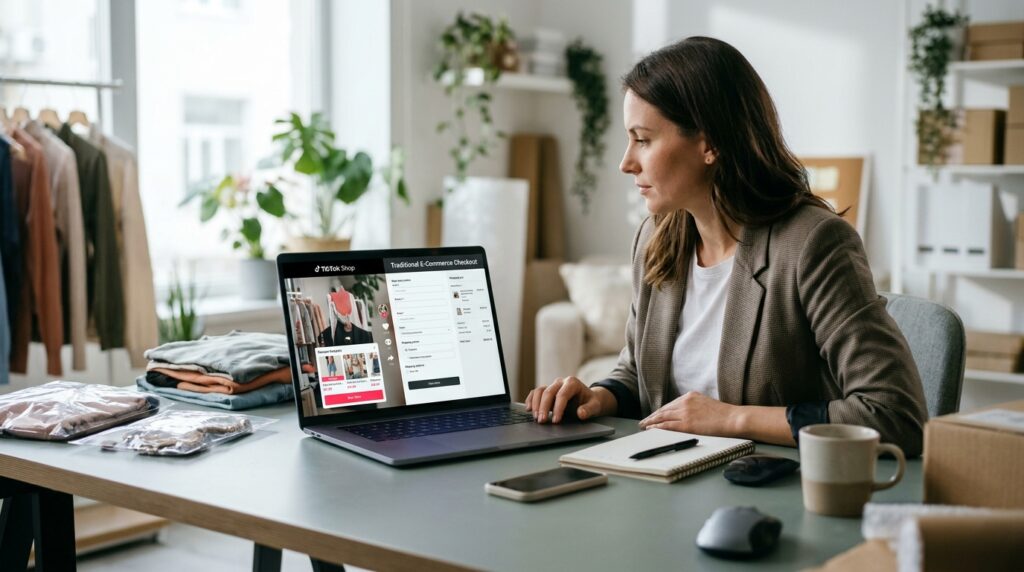
A beginner can set up TikTok Shop through Seller Center by selecting an application type, verifying the seller, and linking the TikTok account that will host the shop’s LIVEs. Start with the right seller type, since the details and documents differ by application path.
For a US business seller application in 2026, prepare a US primary address, legal business name, EIN, and business bank account. TikTok Shop Seller Center offers Individual, Sole Proprietorship, and Corporation or Partnership paths.
Register the seller and prepare the required details
An Individual application uses identity and proof-of-address documents. A sole proprietor without an EIN applies as an Individual. The bank account name must match the applicant’s ID or business registration, so choose the path that fits the records you can provide.
| Application path | Identifying details | Bank account |
|---|---|---|
| Individual | Identity document and proof of address | Name matches applicant’s ID |
| Sole Proprietorship | Business details; no EIN means apply as Individual | Name matches applicant’s ID or registration |
| Corporation or Partnership | US address, legal business name, and EIN | Name matches business registration |
Follow this setup checklist in order:
- Choose the seller type that matches your records.
- Enter the shop name and contact details.
- Submit the required identity or business documents.
- Add the bank account that matches the applicant or registration.
- Link the TikTok account that will represent the shop.
Link the account and publish accurate listings
Once the seller account is approved and linked, prepare product listings for shoppers. Use accurate titles, photos, prices, and stock information. Clear details help viewers compare the listing with what the host shows during a LIVE.
Before sending the application, check every detail against the documents you are submitting. A small mismatch in the seller name or bank account can create avoidable delays during review. Confirm that the seller name and bank details match the submitted identity or business registration before sending the application.
How Do You Add Products and Start a LIVE in LIVE Manager?
Before a shoppable broadcast begins, load the products into the LIVE Showcase so the host can feature the right item without interrupting the demonstration. Prepare the lineup first: sellers must add products to the LIVE Showcase before featuring them during a TikTok Shop LIVE.
On mobile, open TikTok, tap the plus button, choose LIVE, then tap Products on the pre-LIVE screen. Select the products for the broadcast and confirm they appear in the LIVE Showcase. A LIVE product set can contain 1-100 products.
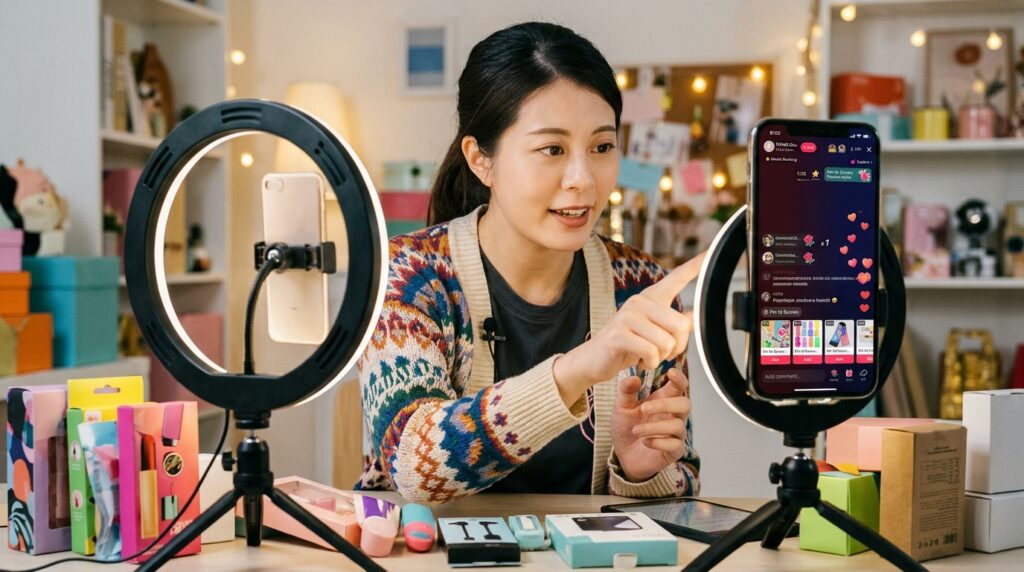
If you need another item during the broadcast, tap the shopping bag icon to add products. Check the list before the stream so the host does not have to pause a demonstration to search for an item. The pinned product card should match what viewers see on camera.
LIVE Manager is the desktop option for arranging and managing products for a broadcast. Sellers can also access TikTok Shop LIVE Auctions through LIVE Manager on desktop or through the TikTok mobile app. The mobile pre-LIVE flow and the desktop manager support different parts of preparation.
Eligible accounts can use TikTok LIVE Studio or OBS as production routes. Stream-key permission is not available to every account, so desktop broadcasting options depend on account access. A desktop setup can support a planned production, but it still needs a ready product list.
Check the camera framing so the product remains visible when held or demonstrated. Listen for echo, background noise, or an uneven microphone level before viewers join. Test the camera, audio, and product list before opening the LIVE to viewers.
How Should You Plan and Promote a Product Stream?
A focused product lineup and a clear event time make it easier for viewers to understand what the LIVE is offering. Choose a few products that are easy to demonstrate instead of trying to cover the entire catalog in one stream.
A 30-60 minute session is a practical starting range, adjusted to the product and the host’s stamina. It is a planning guideline, not a promise of performance. The host should prepare talking points, likely buyer questions, product samples, lighting, clear audio, and a stable connection.
Choose a compact lineup viewers can understand
Pick products with a clear visual detail, useful comparison, or feature the host can show on camera. A tightly related lineup gives the audience a reason to stay through the event. Keep samples within reach and decide which item opens the stream.
Use this four-item tech-prep checklist before the host takes position:
- Lighting: place the product where its details show clearly.
- Audio: test the microphone and reduce distracting noise.
- Internet connection: confirm the stream has a stable connection.
- Products: place samples and featured items within reach.
Prepare the host, set, and opening
Give the host concise talking points, not a script that sounds read aloud. Include the product’s purpose, details viewers can inspect, and answers to likely questions. A simple opening should tell people what they will see and which product is featured.
Promote the event at three useful points:
| Timing | Content | Action |
|---|---|---|
| One day before | Teaser video under 30 seconds | Tag the Shop products featured |
| Two hours before | Short event reminder | Tell viewers when the stream starts |
| Scheduled start | LIVE event | Begin with the planned product demonstration |
TikTok Shop’s LIVE-shopping guide recommends a teaser video one day before and promotion two hours before the stream. A TikTok Shop LIVE can have up to 20 moderators to support the host. Assign a moderator to handle chat so the host can keep the demonstration moving.
How to Use TikTok Live to Sell More Products With a Repeatable Demo Loop
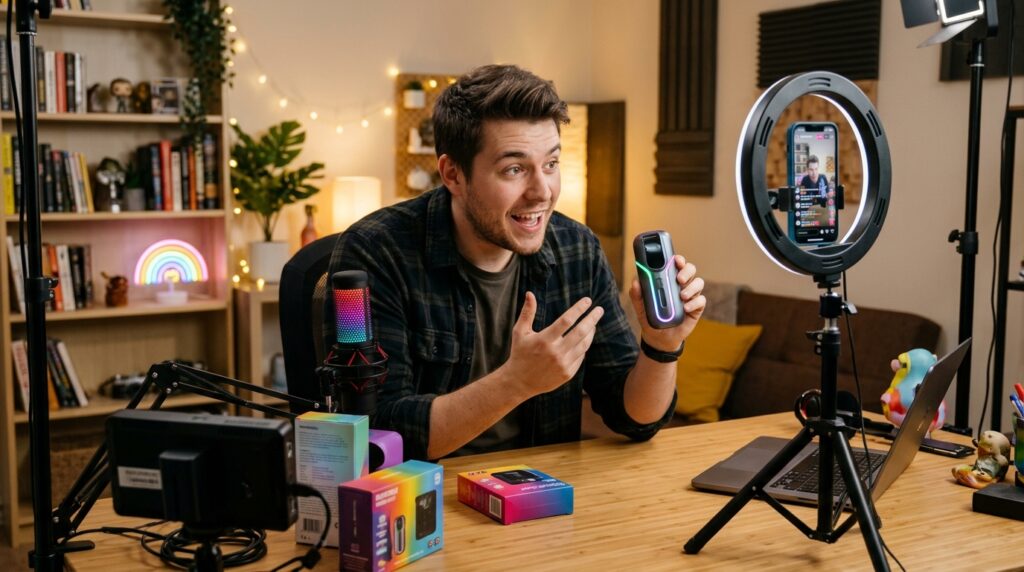
A strong LIVE sales loop starts with a visible demonstration, not a long introduction about the shop. Show the product first, name who it suits, say what you will demonstrate, and point viewers to the pinned product card.
TikTok Shop’s 2026 LIVE-shopping guide recommends pinning a product card about every 30 seconds and pinning only one product at a time. That keeps the shopping path clear while new viewers arrive. TikTok LIVE comments also let the host answer questions in real time.
Hook viewers, then demonstrate the product
Open with a short, specific line: “If you need a compact way to organize a desk, I’ll show how this item fits and where its product card is.” Then demonstrate the details viewers can judge on screen. Avoid a broad claim that the product is right for everyone.
Use the same six-part selling loop for each featured product:
- Demonstrate the product from an angle viewers can see.
- State the customer benefit in plain language.
- Show evidence you can substantiate, such as a visible feature or listing detail.
- Give a calm call to action that identifies the product card.
- Answer objections with accurate information.
- Reset the explanation for viewers who just joined.
Answer questions and handle objections in real time
For sizing questions, read the accurate measurements or size details from the listing. For delivery, explain the available shipping information without promising an arrival date you cannot support. If a viewer asks whether the product suits a particular need, describe its listed features and limits.
Answer return, refund, and customer-service questions with the shop’s actual terms. If you do not know a detail, say you will check it rather than guessing. A precise answer helps customers decide without turning the comment section into a stream of conflicting claims.
Keep urgency factual. You can mention a real sale end time or a confirmed stock limit, but do not invent a deadline or imply a false discount. A calm tone keeps the offer clear even when viewers ask the same question repeatedly.
Repeat the product pin and close with a clear next step
Pin one product at a time and refresh the pin as the host changes products or new viewers arrive. Keep the spoken demonstration aligned with the card currently on screen. When the lineup changes, explain which product is now featured instead of leaving viewers to guess.
The host does not need a complicated close. Restate the useful detail, answer the final question, and tell viewers what tapping the card opens. Keep the next action simple by telling viewers which product card to tap and what they will find there.
How Does a TikTok Shop LIVE Auction Work?
Use LIVE Auction when the product and selling format suit timed bidding, rather than trying to run bids through ordinary chat. It is a separate format: auction-related bidding must use TikTok Shop’s LIVE Auction feature.
In the US in 2026, sellers need an Account Health Rating of at least 200, no temporary account restrictions, and no Intellectual Property Policy violations. A seller can choose a $1 starting bid. TikTok Shop advertises a referral-fee reduction of up to 4% for sellers using LIVE auctions through December 31, 2026.
The fee offer is up to 4%, not a guaranteed discount for every seller. The auction feature sets the bidding format, so do not invite viewers to bid through comments or another route outside the tool. Keep every auction-related bid inside LIVE Auction.
Before starting, decide the opening bid, timer, and auction structure. Once an auction begins, those settings cannot be changed. This matters during a fast event: the host cannot revise a timer or opening price after viewers have started bidding.
Choose an item that viewers can understand quickly and that fits a timed sale. Explain the auction format before bidding begins, then keep the discussion tied to the active listing. Do not treat an ordinary product demonstration as a substitute for the platform’s auction controls.
Review the auction settings before launch because the starting bid, timer, and structure lock when bidding begins.
What Does TikTok LIVE Selling Cost, and How Can You Earn?
Opening a TikTok Shop and going LIVE has no upfront setup fee, but each sale can carry costs that reduce the seller’s margin. Start with the sale economics: product revenue is not the same as take-home income.
Sellers pay a referral fee on orders, and affiliate commissions, fulfillment, and advertising can add to total costs. The referral fee depends on the seller’s current category and terms. Discounts also change the amount left from a sale.
Calculate shop-sale costs before setting an offer
Use this simple unit-margin formula: sale price minus referral fee, commission, product cost, and shipping. Add any relevant fulfillment, discount, or advertising costs when assessing the offer. A product with strong views can still leave a thin margin if its costs take a large share of each order.
Affiliate commissions apply when an Affiliate Creator promotes a seller’s product. Consider that commission when setting a price or promotion. Your product cost and shipping also affect the amount left after each order, so estimate the full sale before choosing an offer.
Understand creator gifts and Diamond payouts
LIVE gifts are separate from product sales. Viewers buy Coins and send gifts; those gifts convert into creator Diamonds. Creators can cash out Diamonds through TikTok’s payment portal. The 2026 estimate is $0.005-$0.007 per Diamond, but gifting earnings vary widely.
That estimate applies to Diamonds, not the dollar value of Coins or a product order. Gift activity is unpredictable, so do not treat it as a fixed monthly income. Sellers should keep product margins separate from any creator gifting income when reviewing sales.
For a shop offer, compare the expected sale price with every cost tied to that order. For creator income, distinguish affiliate commissions from gifts and product revenue. Check the current referral fee and fulfillment terms in Seller Center before pricing a product for a LIVE offer.
Which TikTok Shop LIVE Rules Protect Your Account?
A product claim is only safe to make when the demonstration and the shop listing support it. Keep the claim grounded in what the product can actually do, not in an unsupported promise or a result viewers cannot see.
TikTok Shop rules apply to the whole promoted stream, including spoken statements, on-screen text, demonstrations, props, clothing, and other elements. Accurate claims protect viewers from being misled and help keep the account in good standing.
Keep claims and demonstrations accurate
Do not make unsupported performance claims or stage a demonstration that gives a false impression. Make sure any result shown matches what the product can actually do. Keep prices, discounts, delivery details, returns, refunds, and customer-service statements accurate.
If the offer has a limit or an end time, describe it only when that detail is true. Avoid wording that makes an ordinary price sound like a temporary discount. The product listing, the host’s words, and the visual demonstration should all describe the same offer.
Make every part of the broadcast compliant
Review text overlays, props, and clothing as carefully as the spoken pitch. A product claim can appear in a sign or graphic even when the host says nothing about it. Keep those parts of the promoted stream consistent with the listing and the actual product.
Use a real-time host and live demonstration instead of looping recorded video, prerecorded audio, or static slides. Those formats can trigger enforcement on a TikTok Shop LIVE. Check every offer and product statement against the actual listing before the broadcast goes live.
How Do You Review Results and Improve Your Next LIVE?
After a LIVE, compare the audience response with the orders and questions the session generated. Views alone are not sales: engagement shows attention, while orders indicate whether viewers acted on the featured products.
Use the recording, comments, and sales results to choose one specific improvement for the next event. A useful review finds where people stayed, what they asked, and which product drew orders.
Review the session and buyer signals
Work through this four-item review checklist after each stream:
- Review views and engagement across the session.
- Compare orders and sales with the featured products.
- Group unanswered or recurring viewer questions.
- Note technical problems and fulfillment issues.
Compare viewer response with orders to separate attention from purchase intent. A product may attract comments without generating sales, while a quieter demonstration may lead to orders. Look at questions alongside orders to see whether buyers needed details the host did not cover.
Turn useful moments into the next event
Use short clips from the LIVE recording in later social posts to highlight a useful demonstration or answer. Present those clips as recorded content, not as a live broadcast. A clear clip can also remind viewers what they will see at a future event.
Choose one change for the next run sheet based on the clearest buyer signal. If questions repeatedly focused on a product detail, add that detail to the next demonstration. If a technical issue disrupted the stream, address that issue first. Carry one specific improvement into the next run sheet instead of changing every part of the show at once.
Conclusion
The most useful first LIVE is a focused product demonstration with a clear route to checkout. A clear demonstration, accurate answers, and an easy-to-find product card make the buying path easier for viewers to follow.
You do not need to cover every item in the shop at once. Give one product enough time for viewers to see its relevant features and get useful answers. A small, prepared test LIVE can reveal whether your listing, offer, and presentation make sense to customers.
Use the first event to learn from real questions and orders, then make one practical adjustment. Pick one product, confirm its listing and offer, and schedule the first stream.